

 SmartPic
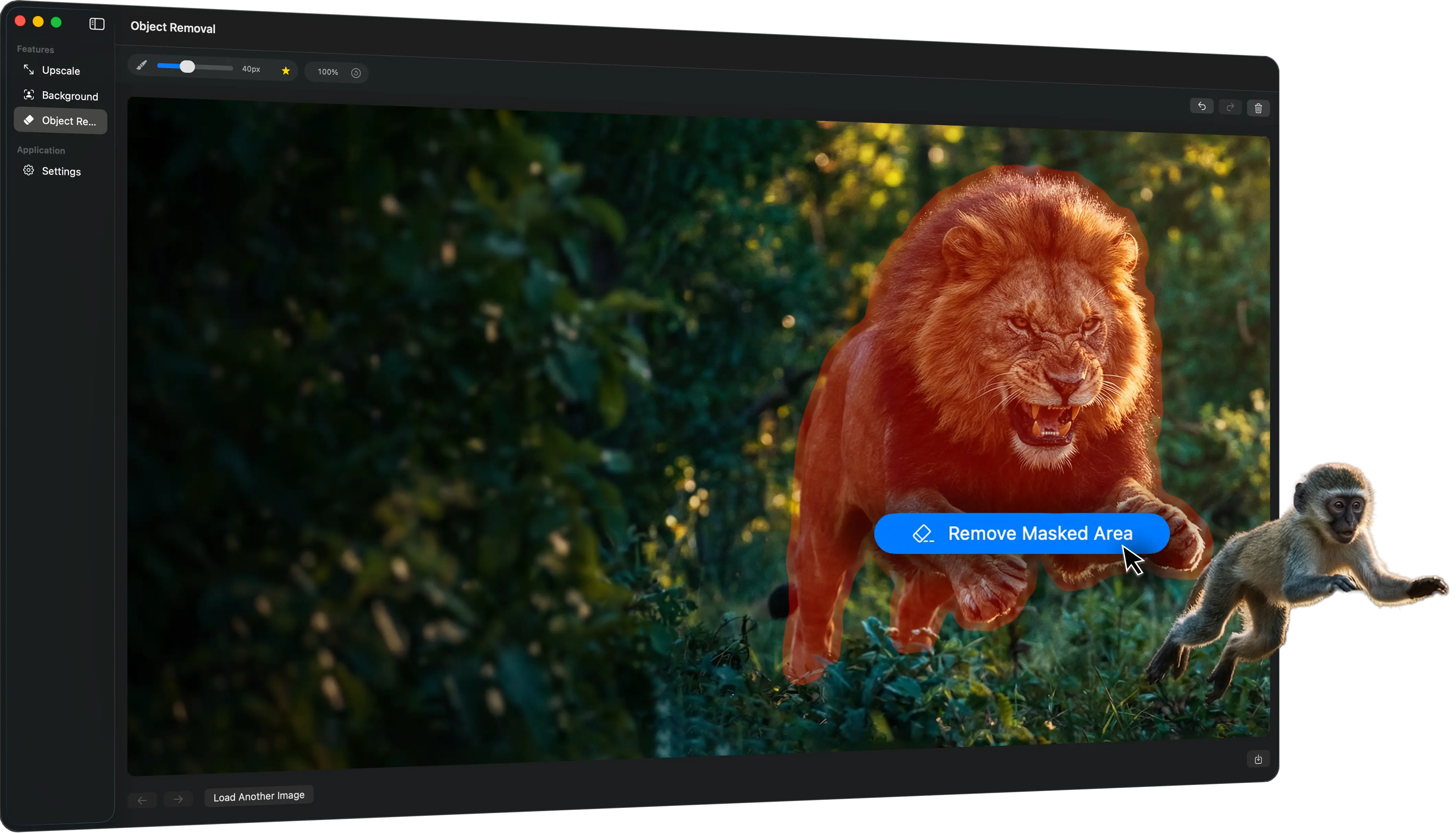
Remove messy backgrounds, erase distractions, and upscale low-quality images locally — without cloud uploads or bloated editors.
10 free saved outputs. Secure Apple billing. No photo uploads.
Background Removal
Object Removal

Image Upscaling


Desktop Workflow

How it works
Step 1
Drop in a photo or choose one from Finder to start the workflow instantly.
Step 2
Choose background removal, object cleanup, or upscaling and let SmartPic do the rest.
Step 3
Check the result, make sure it looks right, and export the enhanced image in seconds.
| Criteria |
 SmartPic
|
 Photoshop
|
 Topaz
Topaz
|
|---|---|---|---|
| Pricing model |
Subscription
$5/month |
Subscription
$22.99/month |
Subscription
$17/month |
| Learning curve |
Low
Focused on a few cleanup tasks done fast |
High
Powerful, but broader and more tool-heavy |
Medium
More specialized, but still deeper than quick cleanup |
| Finder Integration |
Background removal, object cleanup, and upscaling in one pass |
- |
- |
| Batch Processing |
Process multiple images via Finder or drag&drop |
- |
Allows batch-processing via Auto-Pilot |
| Local workflow |
Local-first
Designed for Mac. |
Desktop app
Works locally, inside a broader Adobe ecosystem |
Desktop + cloud options
Local rendering with optional cloud-related add-ons |
| Quality |
Best fit for quick Mac image cleanup without the overhead |
Best when the job needs a full editor, color correction and etc., not just cleanup |
Best when enhancement quality matters more than speed or simplicity |
Pricing
Start free, then choose the monthly plan that fits your workflow. Apple handles every payment.
Install SmartPic from the Mac App Store and use your first 10 saved outputs free.
Manage, change, or cancel your subscription at any time in your Apple Account.
Your localized price and complete subscription terms are shown by the App Store before purchase.
Get SmartPic from the Mac App Store and start with 10 free saved outputs.