

 SmartPic
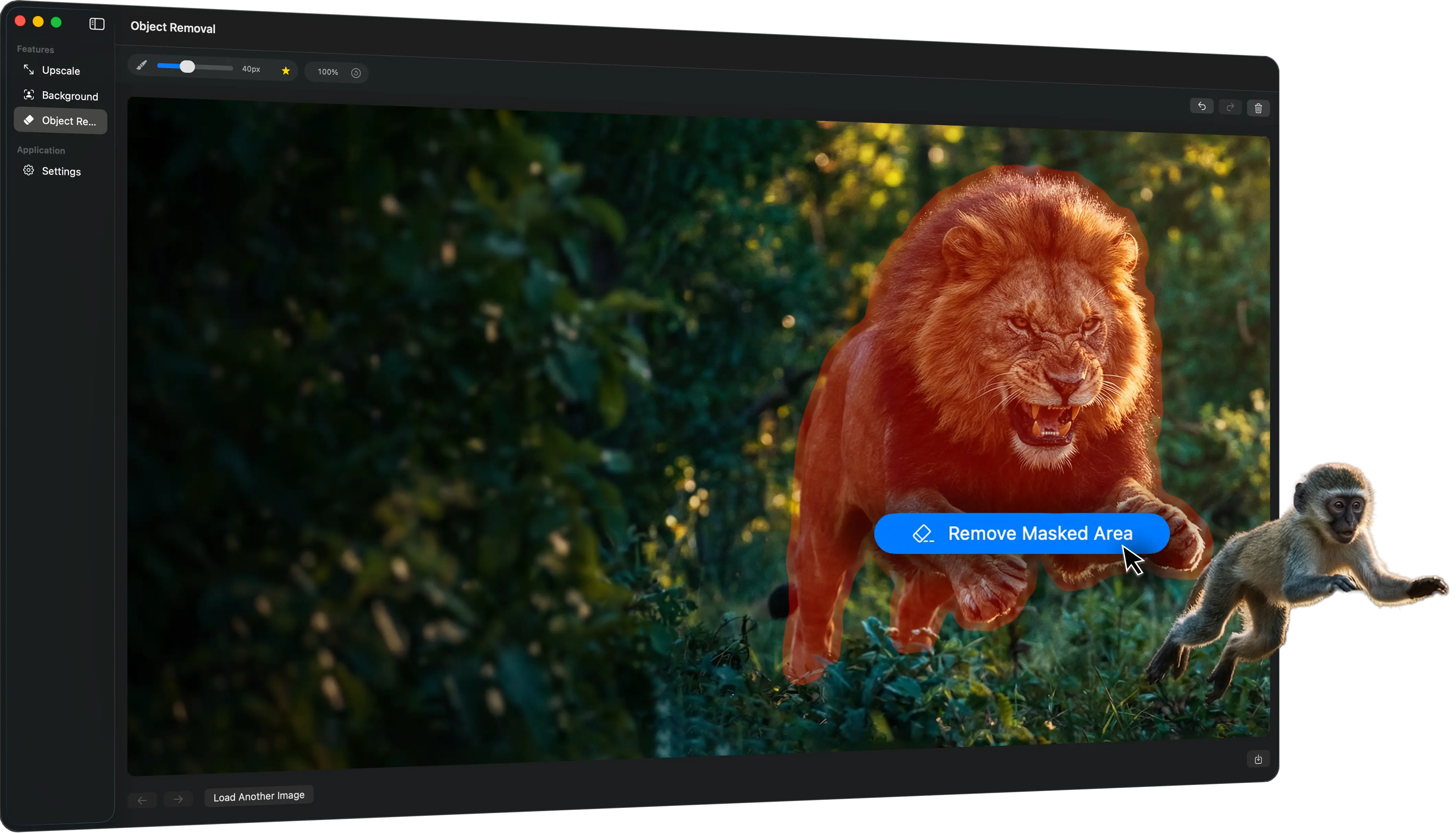
Remove messy backgrounds, erase distractions, and upscale low-quality images locally — without cloud uploads or bloated editors.
One-time purchase. Instant DMG delivery. Works on 2 Macs. No uploads.
Background Removal
Object Removal

Image Upscaling


Desktop Workflow

How it works
Step 1
Drop in a photo or choose one from Finder to start the workflow instantly.
Step 2
Choose background removal, object cleanup, or upscaling and let SmartPic do the rest.
Step 3
Check the result, make sure it looks right, and export the enhanced image in seconds.
| Criteria |
 SmartPic
|
 Photoshop
|
 Topaz
Topaz
|
|---|---|---|---|
| Pricing model |
One-time
$9.99 lifetime license |
Subscription
$22.99/month |
Subscription
$17/month |
| Learning curve |
Low
Focused on a few cleanup tasks done fast |
High
Powerful, but broader and more tool-heavy |
Medium
More specialized, but still deeper than quick cleanup |
| Finder Integration |
Background removal, object cleanup, and upscaling in one pass |
- |
- |
| Batch Processing |
Process multiple images via Finder or drag&drop |
- |
Allows batch-processing via Auto-Pilot |
| Local workflow |
Local-first
Designed for Mac. |
Desktop app
Works locally, inside a broader Adobe ecosystem |
Desktop + cloud options
Local rendering with optional cloud-related add-ons |
| Quality |
Best fit for quick Mac image cleanup without the overhead |
Best when the job needs a full editor, color correction and etc., not just cleanup |
Best when enhancement quality matters more than speed or simplicity |
Pricing
$14.99
$9.99 one-time
Already purchased?
Find or manage your license keyTry SmartPic trial version first. It is so easy to get used to it!